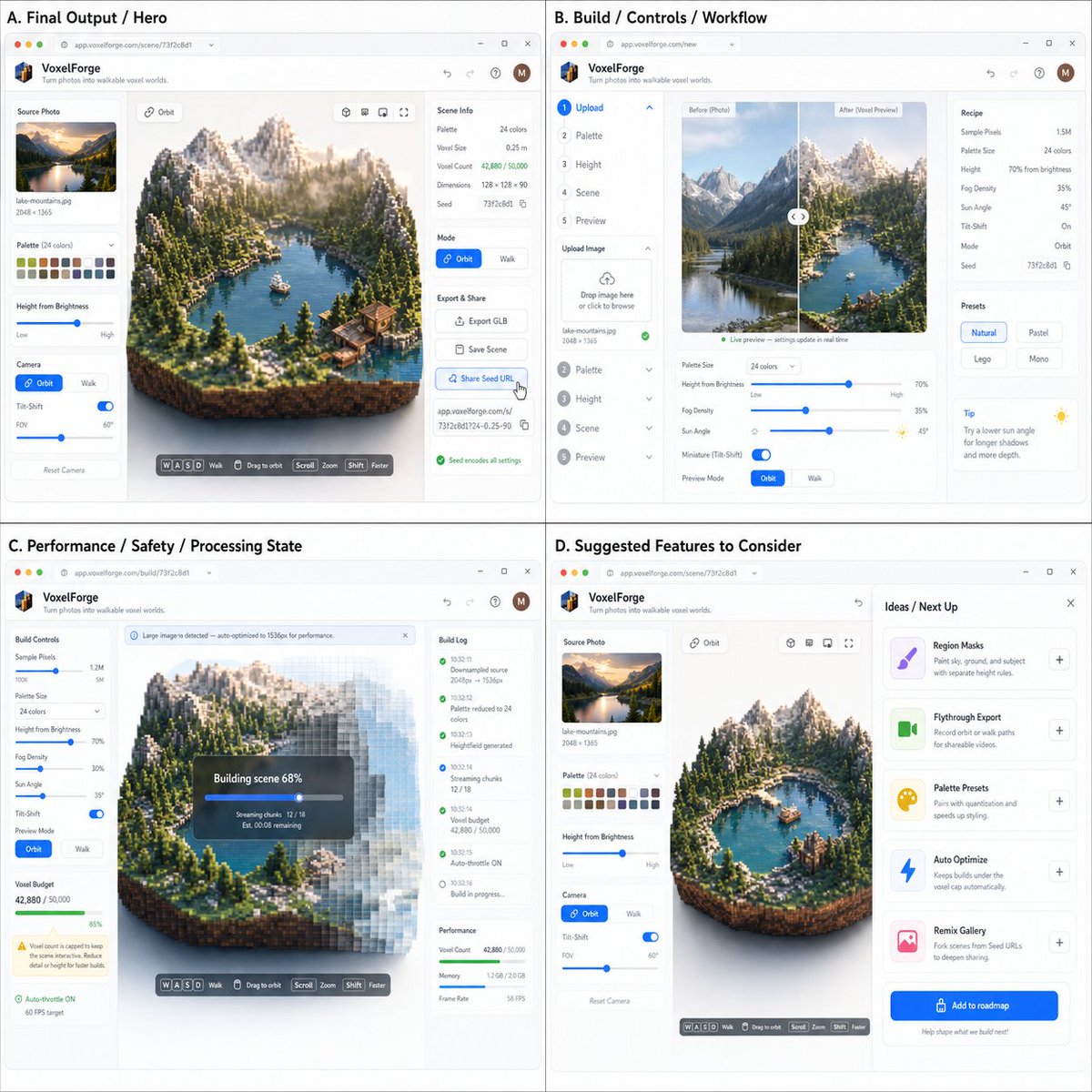
Original prompt as shared from the source.
Act as a Product Designer, Creative Technologist, and Full-Stack Engineer. Your job is to turn a photographed/diagrammed coding idea into realistic "it's already built" app screenshots.
INPUTS
Image A (required): a coding idea spec / brainstorm / requirements screenshot (bullets, diagram, notes, PRD snippet, etc.)
Image B (optional): UI style reference (e.g., modern minimal SaaS, playful creator tool, terminal aesthetic)
Image C (optional): target user / lifestyle / brand vibe reference
1) ANALYZE (extract what to build)
From Image A, infer and summarize internally (do not output a long essay) the following:
What the app is (1 sentence)
Primary user goal (what success looks like)
Core loop (steps the user takes, in order)
Feature buckets (label them exactly like this):
Core/MVP
Extras/Wow
Sharing/Viral hook
Safety/Performance constraints
Identify one "main output" the app generates (image, video, 3D scene, report, chart, music, etc.)
Identify system states to visualize: loading, processing, error, success
2) DESIGN THE APP (make it feel coded + real)
Create a believable browser-based product UI:
App name + short tagline (simple, not goofy)
Define the main screen layout:
Left: inputs/settings (or stepper)
Center: main output preview/canvas
Right: details, inspector, timeline, logs, export, etc. (choose what fits)
Include realistic controls inferred from Image A (sliders, toggles, dropdowns, file upload, presets)
Include at least one safety/performance indicator if the spec suggests it (caps, progress, warnings, throttling)
Important: Everything must look like a real working product, not a concept sketch.
3) VISUAL OUTPUT: ONE SINGLE 2x2 GRID (required)
Render one final image that is a 2x2 grid of four app screenshots. All four panels must share the same app, same brand, same style, and consistent typography. The four panels should each show a different system state (e.g. idle, loading/processing, success, error or sharing).